App operation manual
Download and install mobile App
1. Search "RC FPV" in "app store" or "Google play" to download and install.
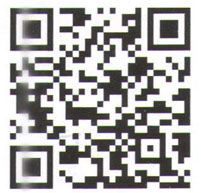
2. Scan the QR code below to download and install.
Connection settings:
1. Connect the power supply of the module, and the indicator light starts to flash, which indicates that the mobile phone is waiting to be connected.
2. Open the mobile phone settings option, start WiFi, and search "WiFi_***"in the search list, click Connect until connected appears, which means the connection is successful.
3.Open the software and click the "Start" icon to enter the real-time image transmission interface.
Ce produit a été ajouté à notre catalogue le Tuesday 01 August 2023.